(0)

    LEGO® Builder – 3D building instructions

    Enter a new world of building with the LEGO® Builder app for smartphones and tablets.

    With LEGO Builder, you can get a full view of your LEGO set in 3D, zoom and rotate your build, and even build together with friends or family!

    And there’s more! For select sets, kids can play the lead role in specially designed digital adventure stories called Missions. 

    And of course, you’ll also find thousands of normal building instructions for all your old and new sets.

    Here’s how to get started with LEGO Builder:
     

    1. Download the LEGO Builder app for free
       

    2. Scan the QR code on your LEGO building instruction booklet, or search for your set on the app
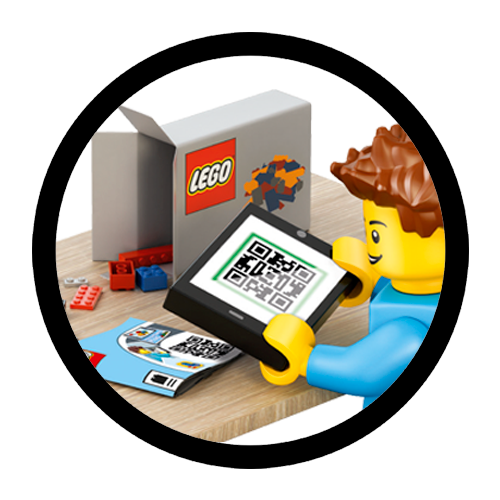
    Minifigure looking at a QR code

    1. Choose how you’d like to build (3D, PDF, Build Together or Missions). How you can build depends on the set you have.
       

    2. Start building!

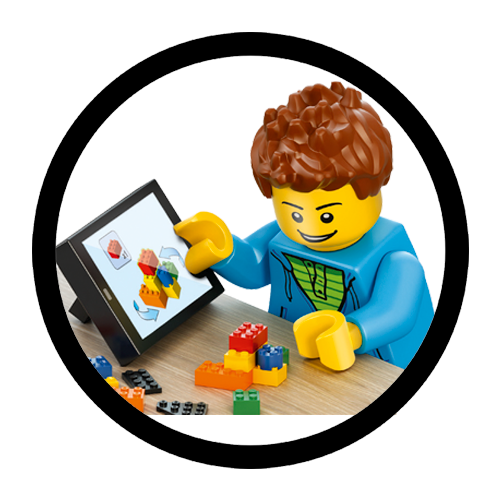
     Minifigure using the Builder app to build a set                 

    Manage Settings

    Do you want to opt out of "sales", "sharing" and targeted advertising?
    ON

    When you visit our LEGO.com site and services, the personal data collected may relate to you, your interests and/or your device. We use this data to provide a more personalized experience when engaging with us. When this data is shared with third parties, it may be considered "sales" and/or "sharing" and/or targeted advertising under U.S. privacy laws. You can opt out of such "sale", "sharing" and targeted advertising by moving the toggle to "off” when using LEGO.com, or by selecting "Yes, opt me out" during LEGO Account sign-up.