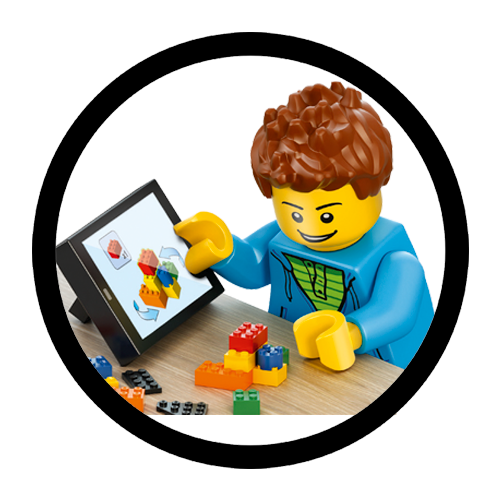
LEGO® Builder – 3D building instructions
Enter a new world of building with the LEGO® Builder app for smartphones and tablets.
With LEGO Builder, you can get a full view of your LEGO set in 3D, zoom and rotate your build, and even build together with friends or family!
And there’s more! For select sets, kids can play the lead role in specially designed digital adventure stories called Missions.
And of course, you’ll also find thousands of normal building instructions for all your old and new sets.
Here’s how to get started with LEGO Builder:
-
Download the LEGO Builder app for free


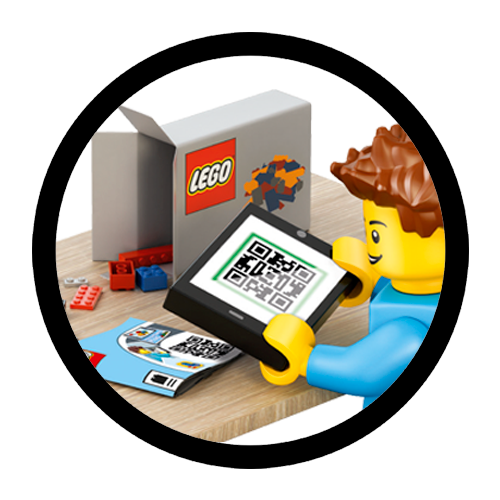
- Scan the QR code on your LEGO building instruction booklet, or search for your set on the app
-
Choose how you’d like to build (3D, PDF, Build Together or Missions). How you can build depends on the set you have.
-
Start building!