
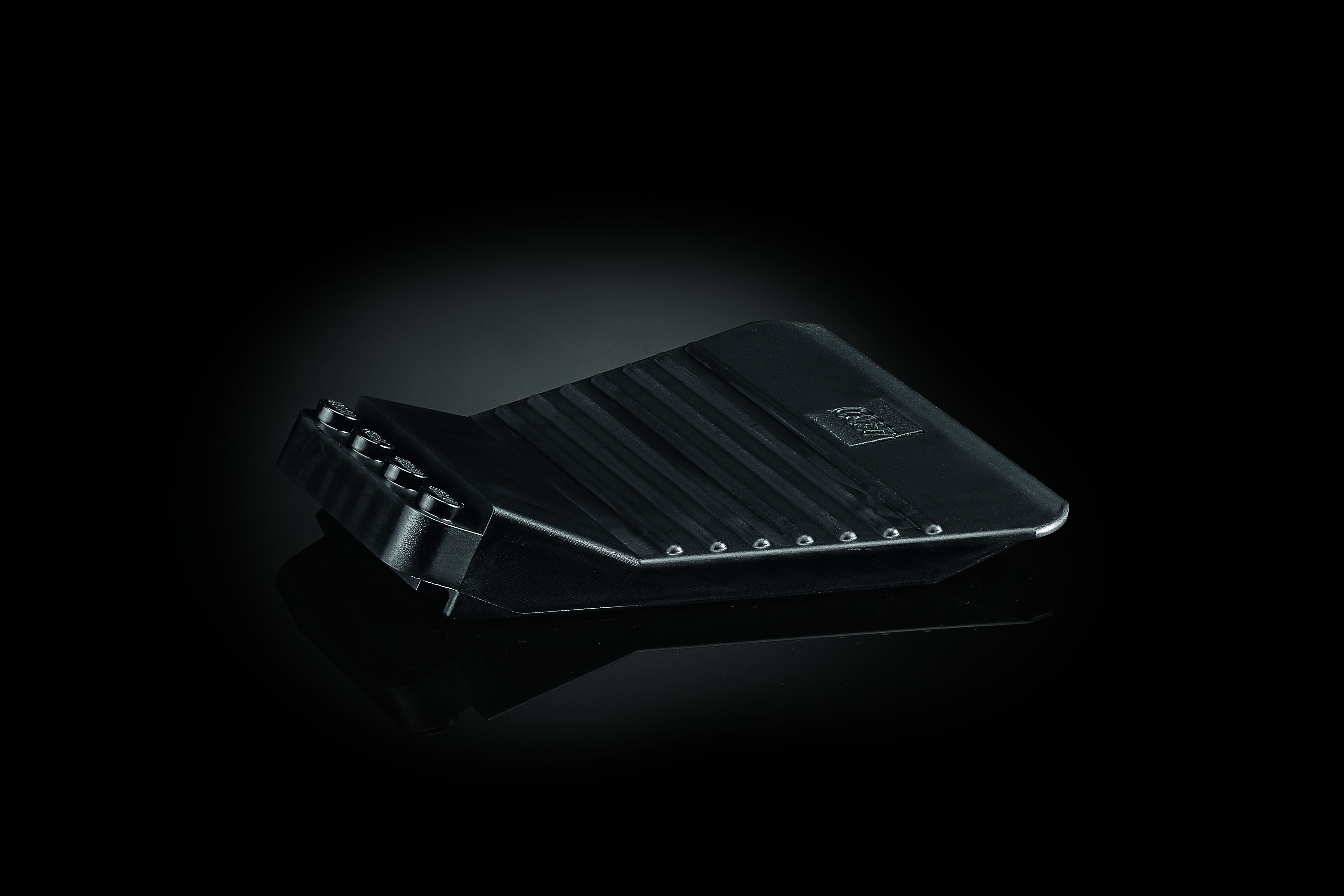
LEGO® Art Brick Separator
How to use the LEGO® Art Brick Separator
Are you ready to break down your LEGO creation and build something completely new with the pieces? No need to strain your fingers to separate hard-to-remove elements—there’s a better, safer way! The brick separator is the ultimate tool for taking apart your bricks! Just follow these un-building instructions and you’ll be on your way to your next LEGO build.
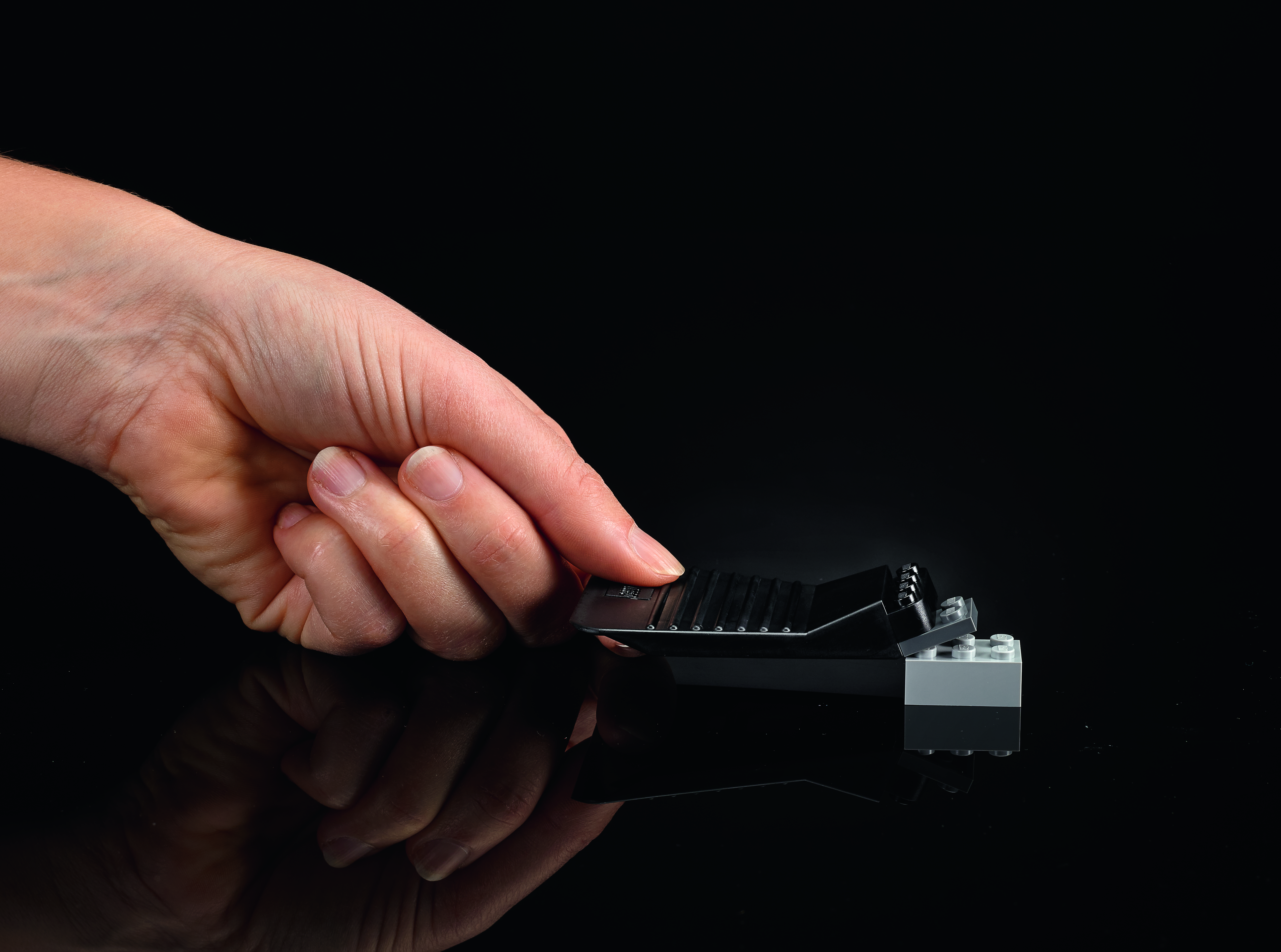
Unsticking plates
Similar to our LEGO Classic Brick Separator, you can use our LEGO Art Brick Separator to get your plates to unstick from studs.
- Press the stud side of the brick separator down on top of the piece you want to remove. You should feel it click into place.
- While holding down your creation, press down on the handle of the brick separator. You can use the ridges to get a good grip.
- As you press down, the angle of the brick separator should make the plate come off easily.
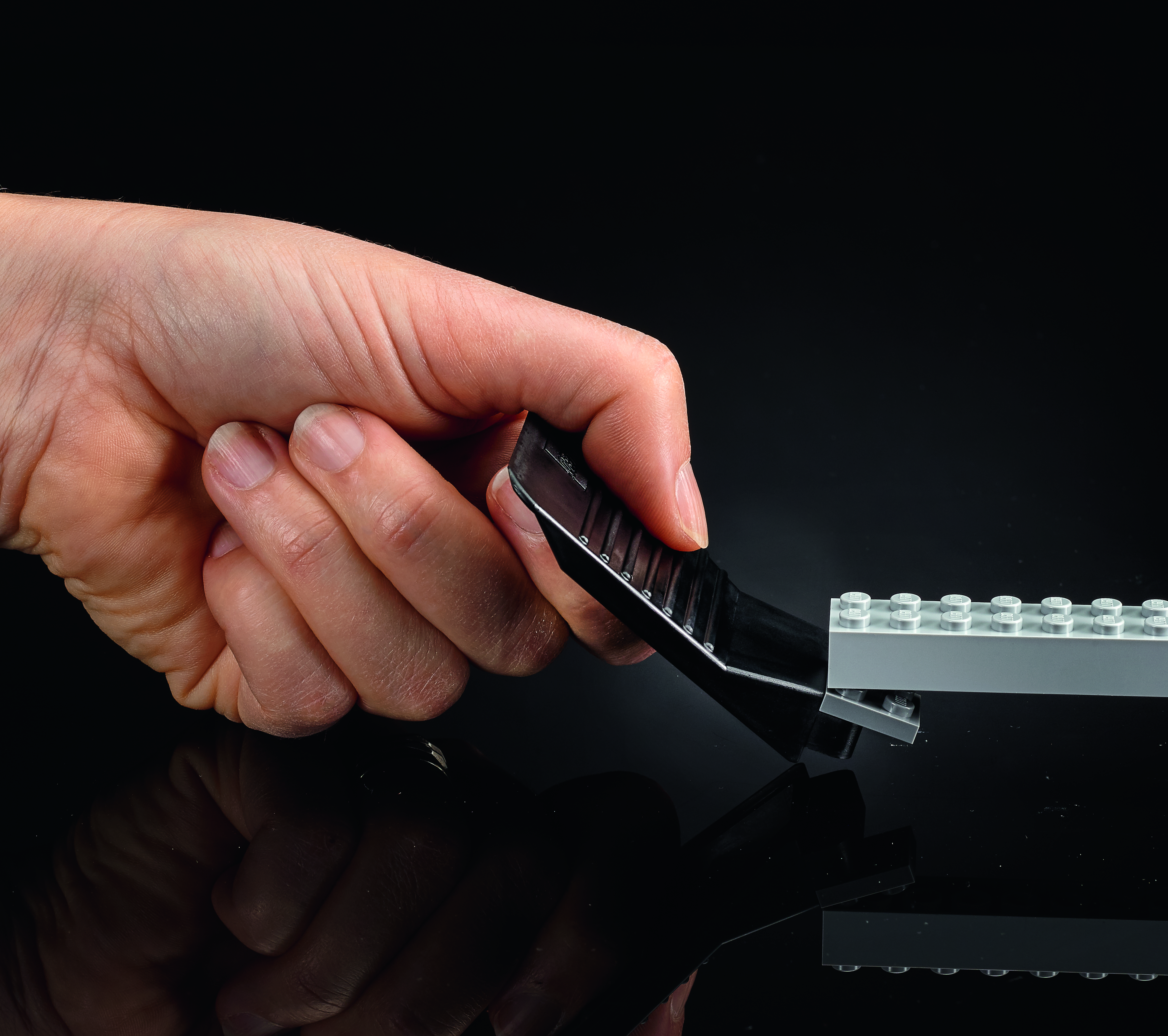
Removing bottom plates
LEGO plates are excellent at sticking to the bottom of other LEGO elements. The brick separator can unstick them!
- Attach the studs on the brick separator to the bottom of the LEGO plate. You should feel it click into place.
- Lift up on the handle, using the ridges for a secure grip. You may need to keep the rest of your creation from moving around.
- As you lift up, the angle of the brick separator should get the plate to easily pop off.
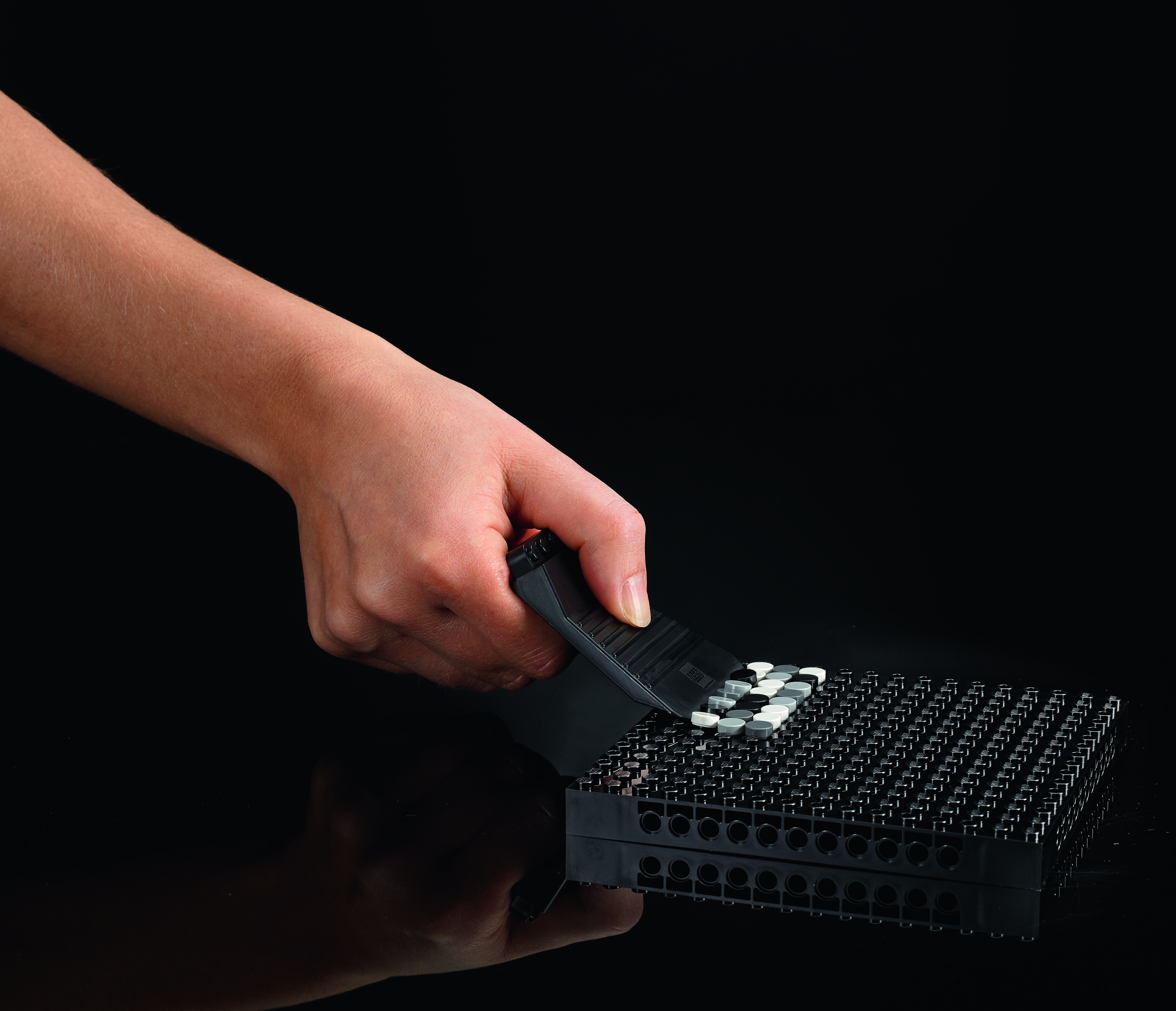
Removing multiple tiles
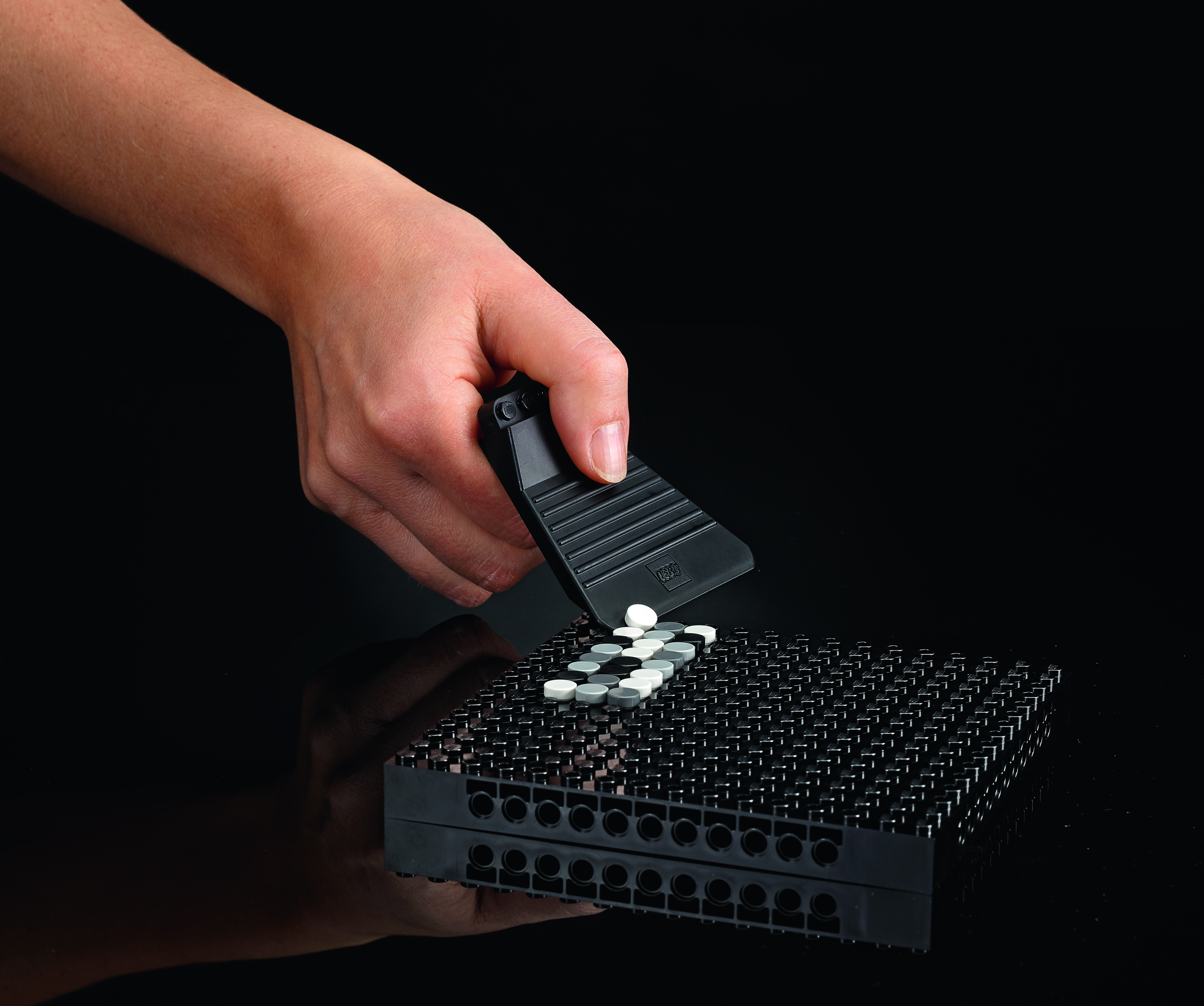
Here’s where the LEGO Art Brick Separator really shines.
- Put the flat end of the brick separator next to the tiles you want to remove.
- Press down so it lifts up the other side like a lever. Make sure the rest of your LEGO set isn’t moving – you may need to hold it in place.
- The tiles should pop right off!
Removing side tiles
This technique works for unsticking tiles on the edge of your piece of art.
- Put the corner of the brick separator’s flat side next to the tile you want to remove.
- Press down so it lifts up the other side like a lever. Make sure the rest of your LEGO set isn’t moving – you may need to hold it in place.
- The tile should come right off.
Want to find out more? Visit the LEGO Art page to see the products we have available.