Changing the language setting in the LEGO® BOOST app
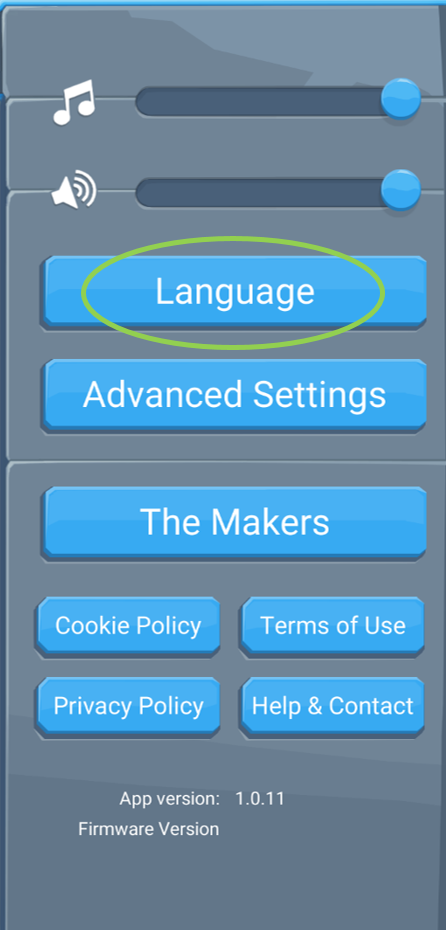
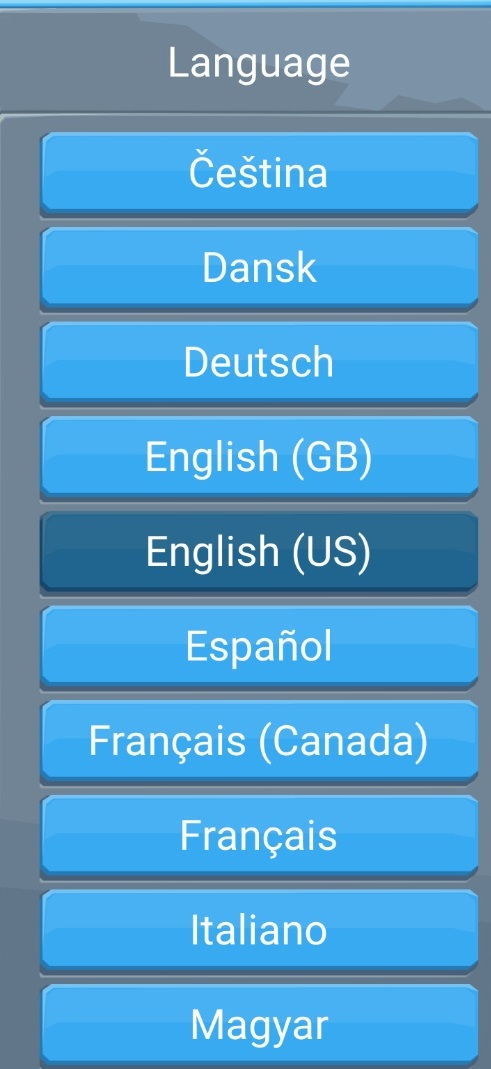
Changing the language is as easy as opening the settings in the top-right corner of the screen and then tapping on the Language button.
If it’s your first time opening the LEGO® BOOST app though, you’ll need to go through a short tutorial before you can change the language or any other settings.
Here’s how:
- Watch the short video and wait for the loading screen to finish.
- Approve use of the microphone by tapping ‘OK’.
- Tap the base model that teaches how the different motors work. It’s the only thing that will respond to tapping at this point.
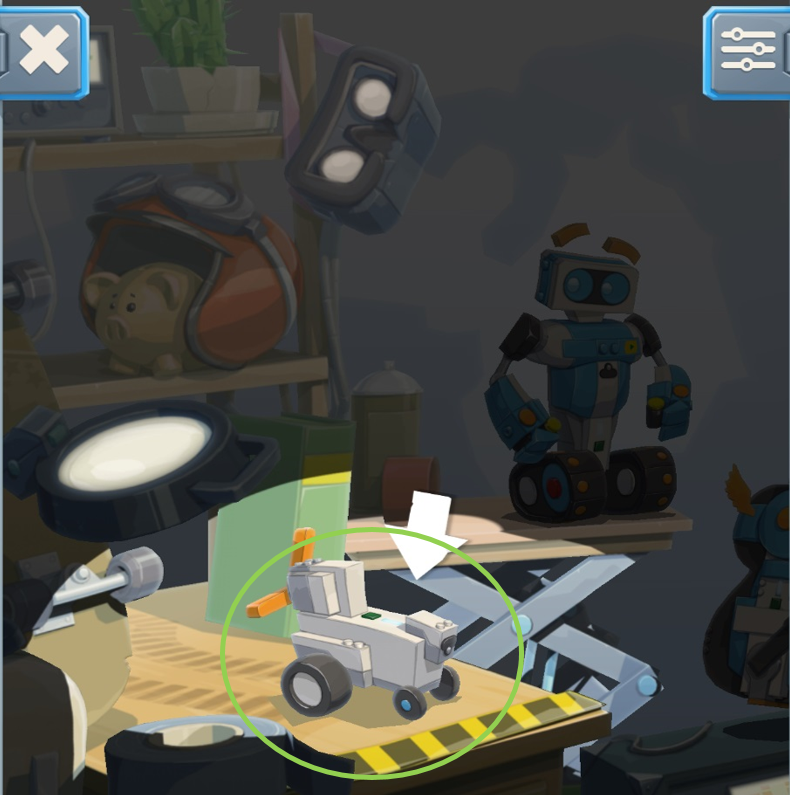
- Tap the settings button in the top-right corner.
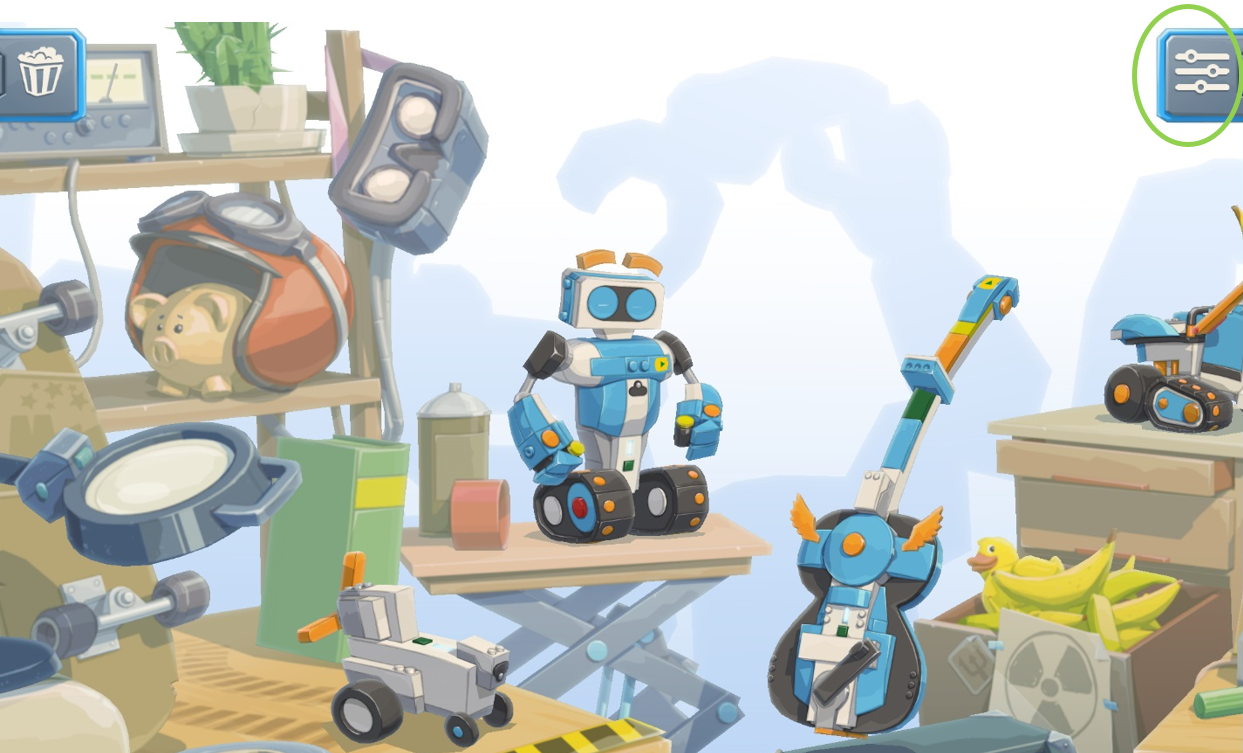
- Tap on the Language button and select your desired language!